
 LIBRE99
A TI-99/4A emulator in pure Rust — with original clean-room firmware, its own assembler and GPL toolchain, and original games. Runs on Windows, Mac, and more. Zero borrowed bytes.
Every layer is original work, and every layer stands on the one below it — silicon to firmware to compiler to game.
Every major chip, emulated: TMS9900 CPU, TMS9918A video, SN76489 sound, TMC0430 GROMs, TMS9901/CRU keyboard, FD1771 disk. Beam-accurate scanlines, authentic noise LFSR, hardware-true GROM prefetch.
An original console ROM and GROM boot by default — no TI code anywhere. Differentially verified against the real machine's behavior. Extended BASIC cartridges run on it end-to-end.
libre99asm — a two-pass TMS9900 assembler, .ctg cartridge packager, and disassembler covering all 69 base opcodes. libre99gpl — a GPL assembler/disassembler and console-GROM build harness.
Titris (falling blocks), Sokoban (12 credited Microban levels, with undo), and Jaywalker 99 (an endless hopper) — authored with the project's own assembler, running on its own firmware, in its own emulator.
Native 256×192, pixels intact. Everything below is original Libre99 content, drawn by the clean-room firmware and the project's own cartridges.
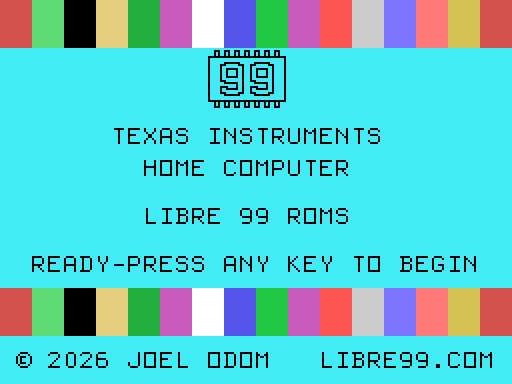
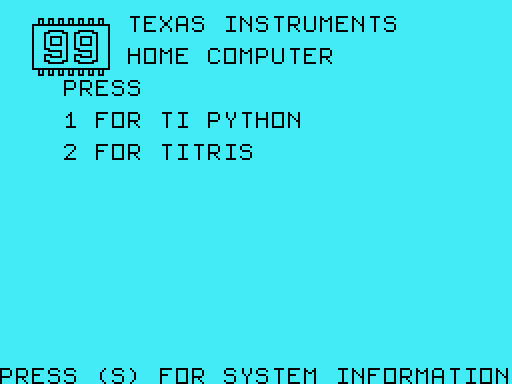
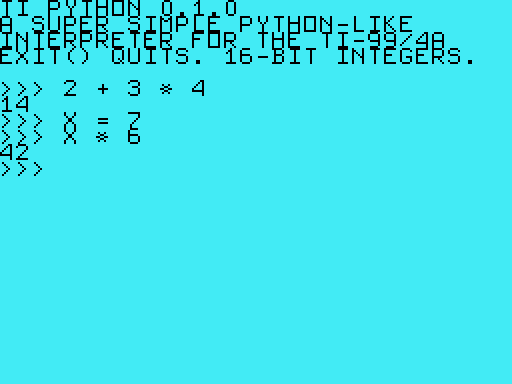
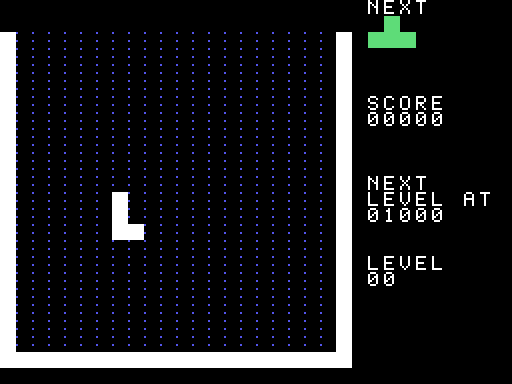
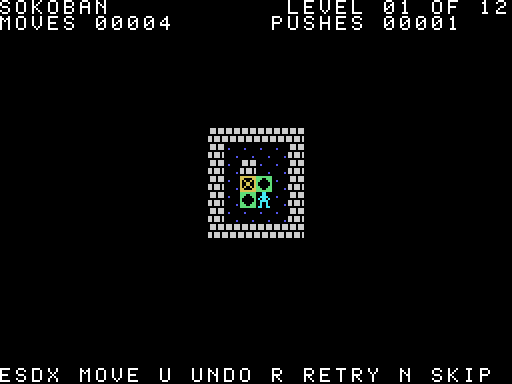
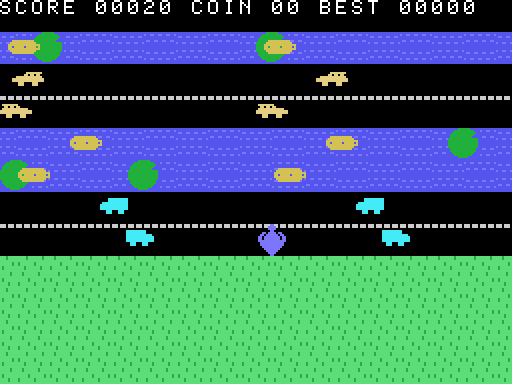
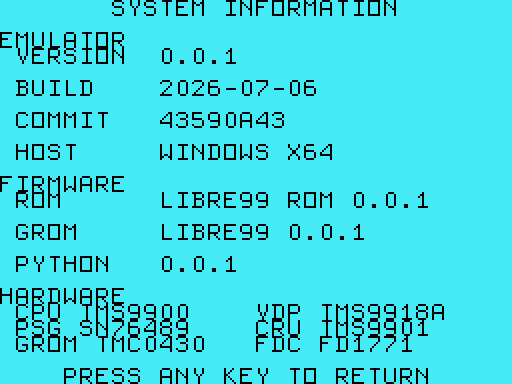
Libre99 ships no TI firmware and no commercial cartridges. Your own .ctg and .dsk files mount at run time — these historical shots show user-supplied cartridges running on the emulator.
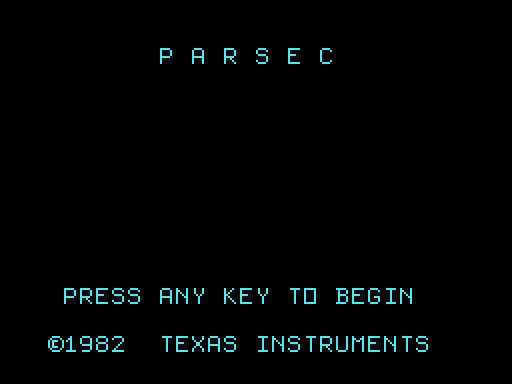
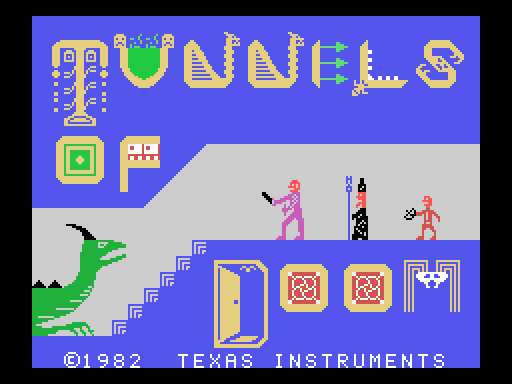
Most emulators need the manufacturer's copyrighted ROMs. Libre99 doesn't. Its console ROM and GROM are clean-room work, verified against the authentic machine's behavior — never its code.
The shipped binary carries no one else's bytes. Cartridges and disks load at run time from your own files, and the public repository's history is IP-clean back to commit one.
Have real TI firmware? It's one flag away: --system-rom / --system-grom — needed only for TI BASIC itself.
Cross-checked against Classic99, the hardware-verified reference emulator · #![forbid(unsafe_code)] · Windows + macOS
Runs on multiple operating systems, including Windows and Mac. Nothing to install but a Rust toolchain — clone the repo, then:
# Boots the bare console to the master title screen.
cargo run --release -p libre99-app

# Mount your own cartridge or disk:
cargo run --release -p libre99-app -- --cartridge my.ctg
cargo run --release -p libre99-app -- --disk vol.dsk
Version 0.1.0 — testers welcome. Write joel@libre99.com.
Modified MIT License with Commons Clause — source-available; the right to sell is reserved.